Introduction
Modern digital ecosystems demand the ability to extract structured, machine-readable data from highly variable document types. Whether it’s a scientific journal, a business report, or a historical manuscript, the challenge lies in preserving the content’s structure—tables, headings, formulas, and formatting—during extraction. This is where MinerU 2 emerges as a game-changer.
Developed by OpenDataLab, MinerU 2 is the powerful upgrade to the original MinerU framework. It’s not just another PDF parser; it’s a multimodal, VLM-powered, layout-aware document extraction system designed for precision, scalability, and multilingual intelligence.
What is MinerU 2?
MinerU represents a significant advancement in PDF data extraction technology, designed specifically to convert unstructured documents into machine-readable formats while preserving original document structure. Unlike traditional conversion tools that often lose formatting and context, MinerU 2.0 maintains the integrity of complex layouts, making it invaluable for academic, scientific, and business applications.
It handles scanned images, typed and handwritten documents, and multilingual content, making it highly versatile. It processes:
- PDFs, JPGs, and PNGs
- Typed and handwritten documents
- Multilingual and scanned content
- Scanned images or PDFs
Its capabilities go beyond simple text extraction; it captures and preserves document semantics, such as:
- Headings and subheadings
- Bullet lists and numbered items
- Tables with merged cells
- LaTeX-based mathematical formulas
- Multicolumn layouts and floating images
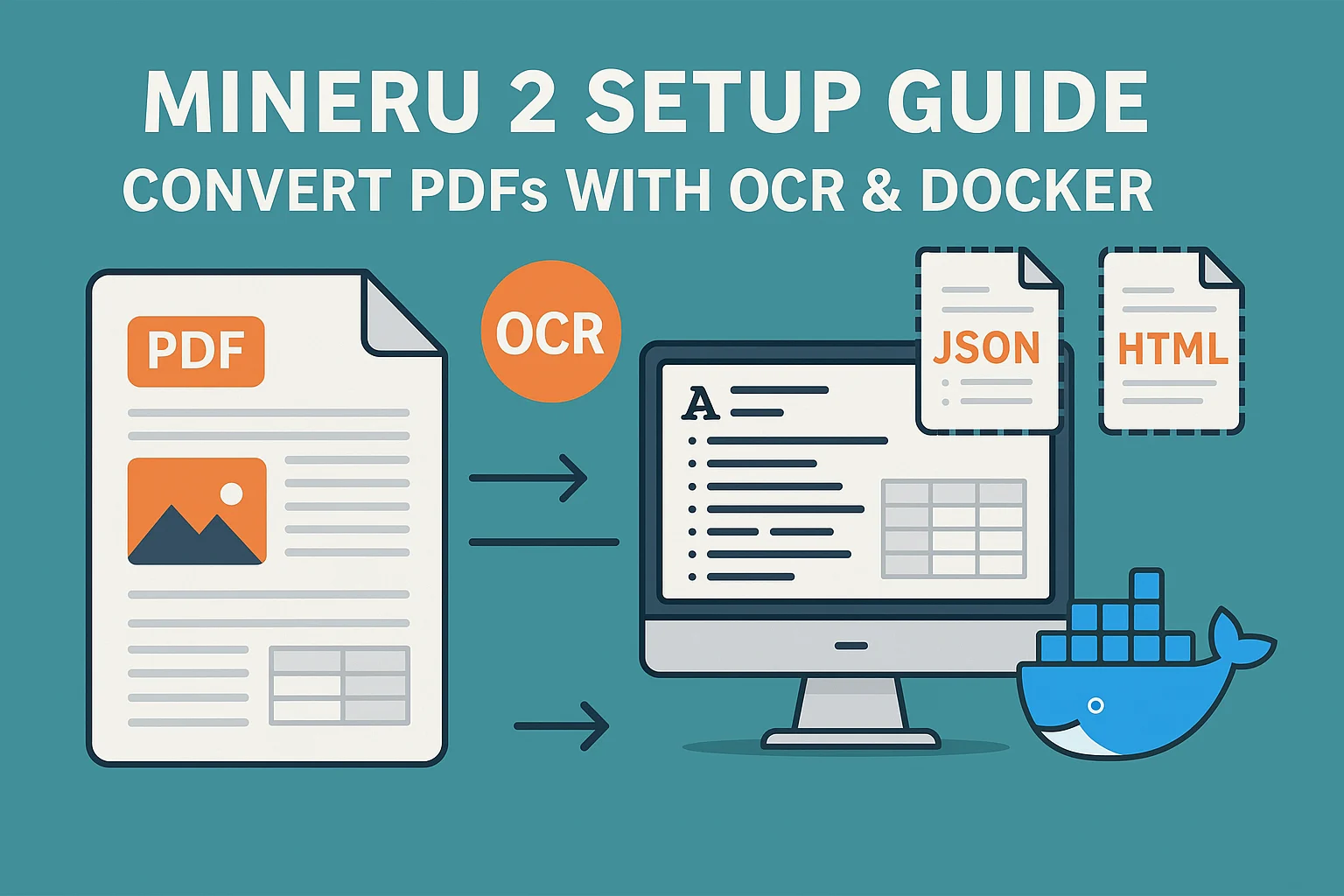
Unlike conventional OCR tools that focus solely on text, MinerU 2 leverages a Vision-Language Model (VLM) backbone to understand and segment complex layouts, enabling export into formats like:
- Markdown: ideal for human readability and reproducibility.
- JSON: for programmatic use, perfect for NLP and AI pipelines.
- HTML: for direct web publishing.
The most crucial aspect of text extraction is preserving the original reading order, and MinerU 2 excels at this. It effectively converts figures, tables, and images from documents into JPG format and saves them for accurately reconstructing the original layout and visual structure.
New Features in MinerU 2
1. Vision-Language Model Integration
It uses a multimodal VLM backend to improve:
- OCR accuracy across multiple languages
- Handwriting recognition
- Document structure understanding (tables, formulas, etc.)
2. Structure-Aware Layout Extraction
It can accurately detect and preserve:
- Headings (H1–H6), paragraphs
- Lists, tables (including nested/merged)
- LaTeX math formulas
- Multicolumn layouts, captions, and footnotes
3. CLI-Based Customization
It supports a flexible command-line interface, allowing:
- File batching
- Output format selection
- Language and OCR engine configuration
4. Performance Optimization
- Runs efficiently on standard GPUs
- Uses less VRAM in standard parsing mode
- Full VLM mode may require ≥40 GB VRAM for large documents
How does MinerU 2 work?
Processing Pipeline
- Input Loading – Reads PDFs or image files
- OCR Module – Uses VLM for printed and handwritten text
- Layout Detection – Locates headings, paragraphs, and tables
- Semantic Parsing – Converts into a structured output
- Export – Outputs as Markdown, JSON, or HTML
Tech Stack
- Python-based
- Uses MMOCR, Torch, and custom layout transformers
- Fully open-source and community-driven
How to Install MinerU 2 Locally, Using Google Colab, and Docker?
MinerU 2 supports both local-based setup and Docker deployment, offering maximum flexibility for local or server-based use.
Step-by-Step Setup MinerU 2 Locally/ Google Colab
Use the following steps to set up locally or inside Google Colab:
1. Install dependent libraries
# Install UV for faster package management
!pip install uv

# Clone the MinerU GitHub repository
!git clone https://github.com/opendatalab/MinerU.git

# Move into the directory
cd MinerU  # For Google Colab: %cd MinerU

# Install all dependencies using uv
!uv pip install -e .[all]
2. Check Version
!mineru --versionThe output should confirm you’re running the latest:
MinerU version 2.0.6
3. Convert a Document
Make sure your output folder exists first:
!mineru -p "/your.pdf" -o /Output
Step-by-Step Docker-Based Setup
Prefer Docker? It provides full support.
1. Build Docker Image
wget https://gcore.jsdelivr.net/gh/opendatalab/MinerU@master/docker/global/Dockerfile
docker build -t mineru-sglang:latest -f Dockerfile .
2. Start Docker Container
docker run --gpus all \
  --shm-size 32g \
  -p 30000:30000 \
  --ipc=host \
  mineru-sglang:latest \
  mineru-sglang-server --host 0.0.0.0 --port 30000
3. Start with Docker Compose
wget https://gcore.jsdelivr.net/gh/opendatalab/MinerU@master/docker/compose.yaml
docker compose -f compose.yaml up -d
GitHub Code: Run locally and Colab
MinerU 2 Performance Evaluation
I tested different types of documents with different types of layout structures. I will provide some screenshots to understand:
Invoice

Table, Figure, and Formula

Text and Table

Conclusion
MinerU 2 provides a comprehensive and high-performance solution for converting unstructured documents, such as PDFs, scanned images, and handwritten text, into structured, machine-readable formats, including Markdown, JSON, and HTML. Leveraging a multimodal Vision-Language Model (VLM) backend, it excels at understanding document semantics, multilingual content, complex layouts, and even mathematical expressions rendered in LaTeX.
Whether processing academic research papers, digitizing historical archives, or automating business document workflows, MinerU 2 streamlines the process with accuracy and flexibility. Its powerful CLI interface, support for Colab, and Docker-based deployment options make it accessible to both beginners and enterprise users.
The version 2.0.6 release also significantly enhances OCR capabilities, document structure extraction, and runtime efficiency, especially on modern GPUs, while reducing the VRAM load for standard PDF parsing tasks.
With active development, open-source transparency, and a growing community of contributors, MinerU 2 is a future-proof choice for layout-aware document understanding in real-world, multilingual, and multimodal scenarios.
🚀 Want to know more about my journey in AI, tech tutorials, and digital exploration? Learn more about me here 👤 and follow my latest insights on Medium 📝 for in-depth articles, and feel free to connect with me on LinkedIn 🔗.

Md Monsur Ali is a tech writer and researcher specializing in AI, LLMs, and automation. He shares tutorials, reviews, and real-world insights on cutting-edge technology to help developers and tech enthusiasts stay ahead.